
FarmMind Tutorials
Making an Identification
To make an identification, navigate over to the identification page and select camera/upload. Select the picture you would like to identify from your camera roll, file system, or camera. Then, select what type of species you would like to identify, either weed, insect, or fungi. Then, select 'identify' to make the identification.
Identification Result
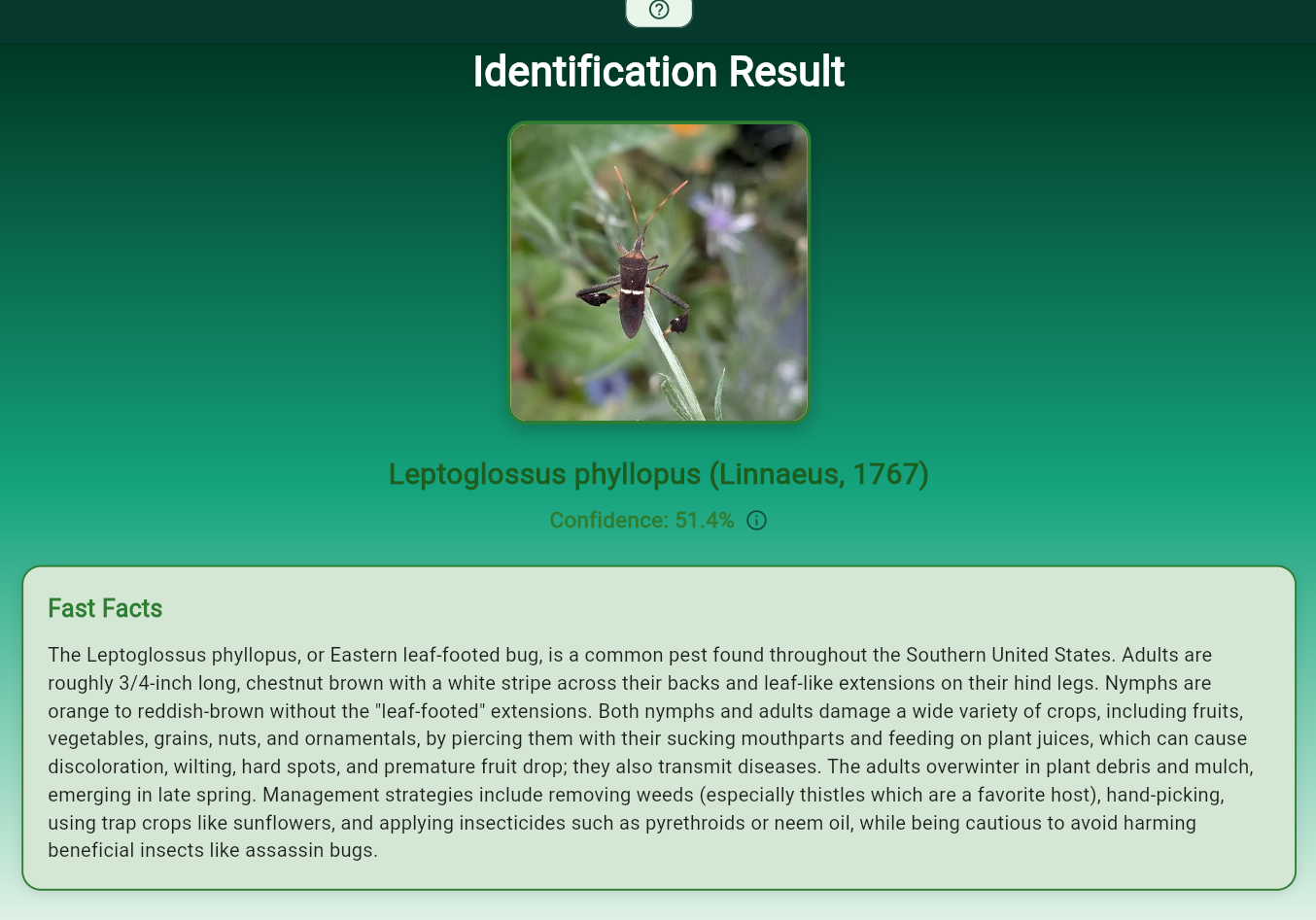
Here, you can see the identification result, with the species and common name if available. The confidence might be low, but generally anything above 20 percent is confident. Our Fast Facts shows some interesting facts about the species identified. Below that, we offer pictures of the species so that you can cross compare for some identifications of the species in the wild.
We also show the top 4 other candidates for your picture, in case the top result is not the right one. At the bottom of the screen, you will see options for talking about the identification and adding the identification to your field notes.