
FarmMind Tutorials
Season Comparison
Let's say that you've input data for multiple seasons for a single field, and you'd like to analyze how that field's information changes over the seasons. With FarmMind, you can do exactly that with our season comparison dashboards!
Creating a Season Comparison
To create this dashboard, go to dashboards - create season comparison. Then, select the field that you want to create a comparison for. Now, all seasons that you have recorded for this field will show up, side by side!
What You'll See
- Crop Rotation: At the top, you'll see the crop rotation from season to season.
- Tag Changes: You'll also see how the tags for that field have changed over each season.
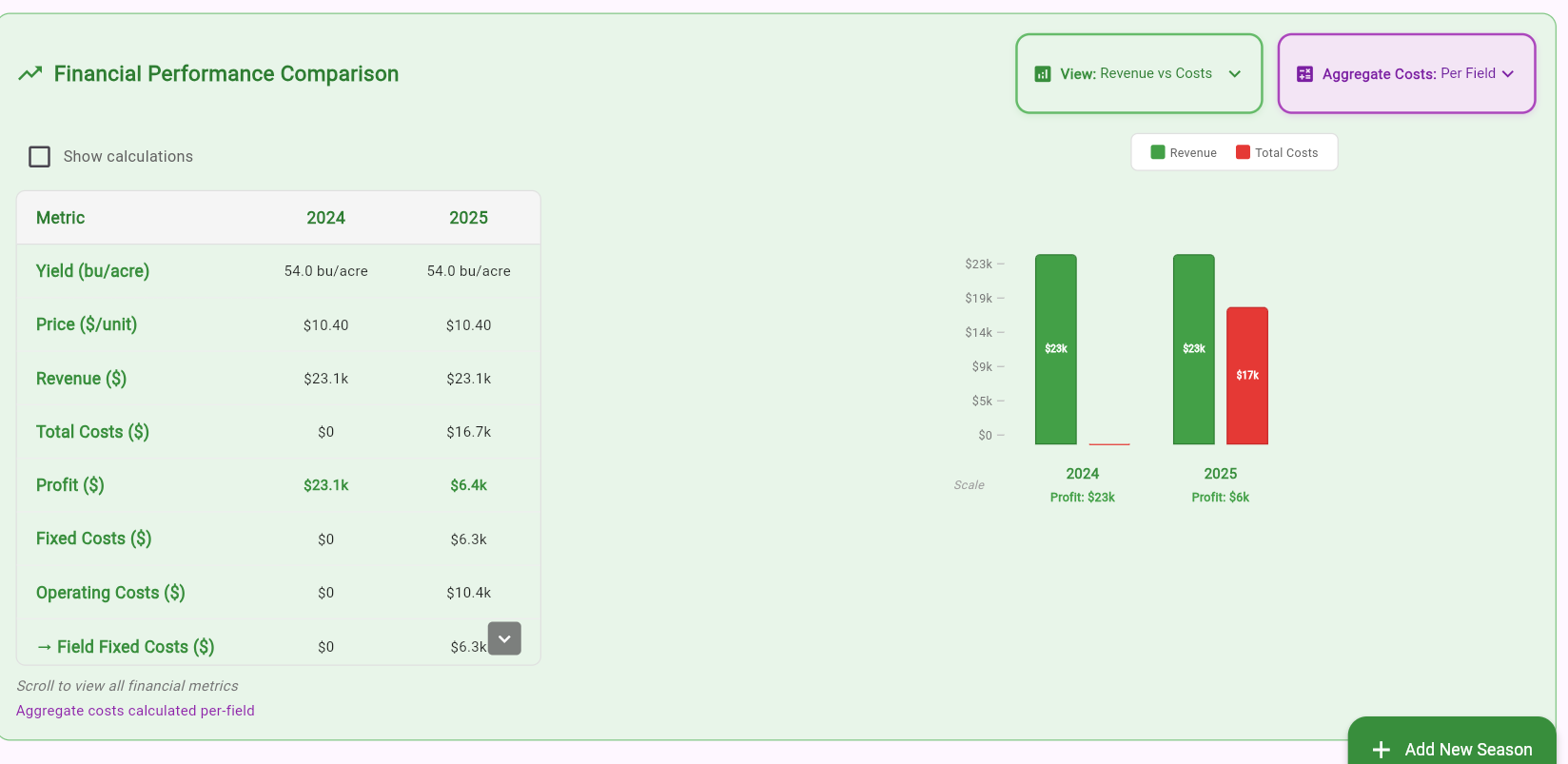
- Financial Analysis: View a financial analysis for each season side by side.
- Cost Analysis: See an analysis of the costs for each season.
If you'd like to run economic analysis on all seasons at once, you can press the 'AI Economic Analysis' button at the bottom.