FarmMind Tutorials
Adding Irrigation Events
To add an irrigation event, click the 'Add Event' button on your irrigation system. To add irrigation events to multiple irrigation systems at once, you can click the 'Add Multiple Events' button on the top right.
Once you do this, a dialog will pop up where you can input the amount applied, the runtime, and the zones applied. When you are ready, click 'Done', and that irrigation event will appear below on the irrigation event table.
Irrigation Event Table
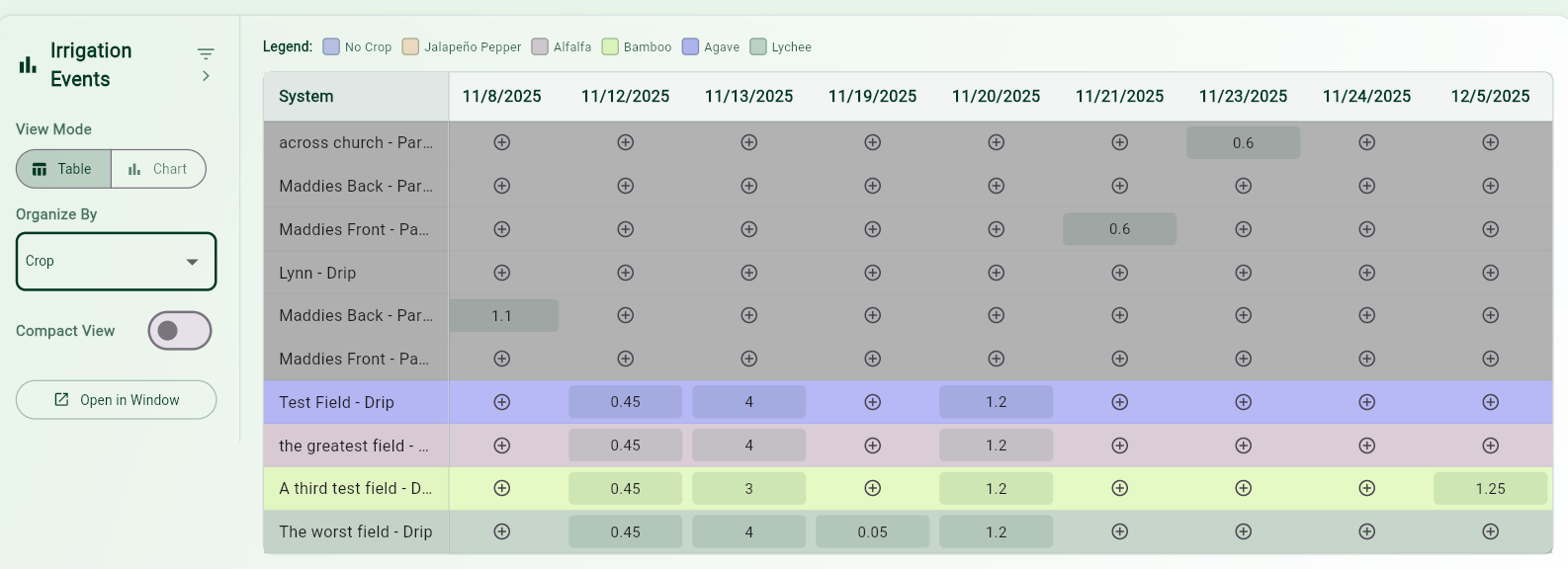
The irrigation event table shows all of the irrigation system events for every day that an event exists. All of these events will also appear on the calendar. If you have multiple irrigation systems, you can organize the table by total applied from greatest to least, by crop, and also by tag type.
If you want to add an irrigation event for another system on the same day as another, you can click the 'plus' on the chart to add an event for that system for that day. You can filter your table by tag or irrigation type.
Irrigation Events Chart
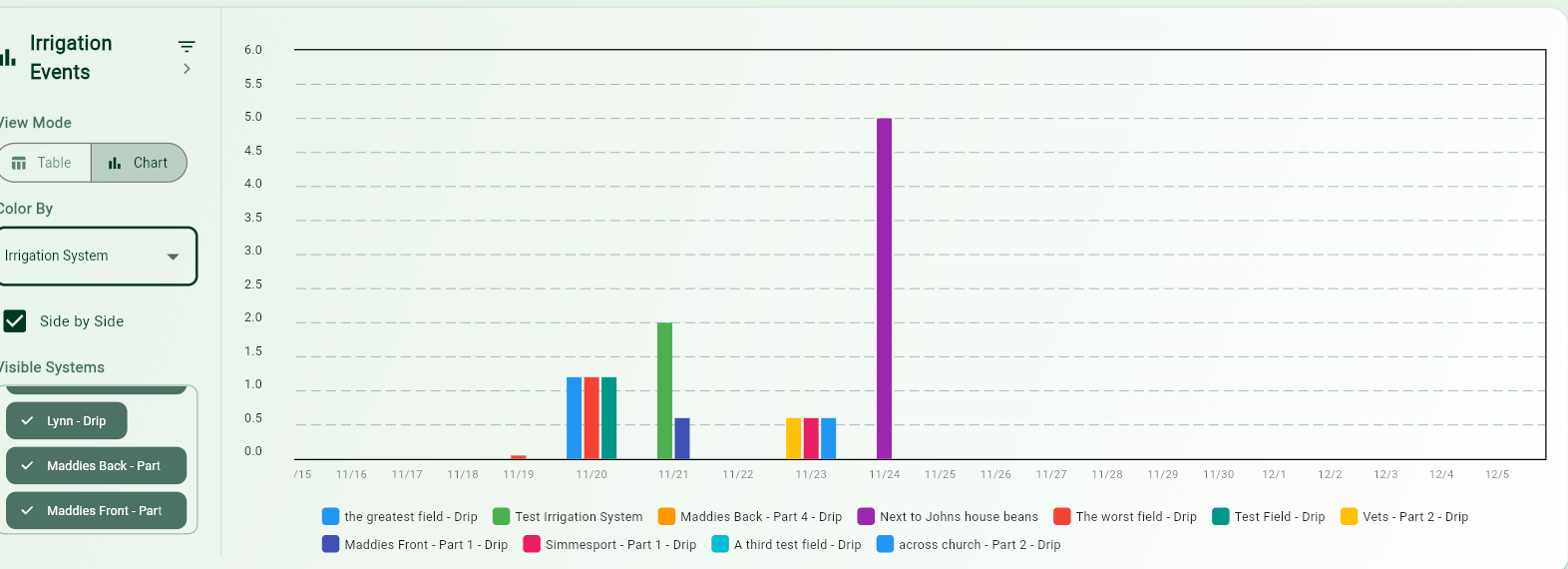
FarmMind also offers an irrigation events chart for you to see graphically the different irrigation events over time. To access this, press the 'Chart' View mode. In the side panel, you can color the graph by tag type or by irrigation type, and you can toggle the visible systems. You can filter systems in the same way.