
FarmMind Tutorials
Coloring
Using FarmMind, you can color fields by any particular tag type. That means, you can color them by variety, grower, irrigation type, priority level, or any other of the tag types that you have created. Coloring by crop will be in a future update.
To color your fields by a particular tag type, click on 'Visual Tools' in the middle left to expand the 'Color by' dropdown.
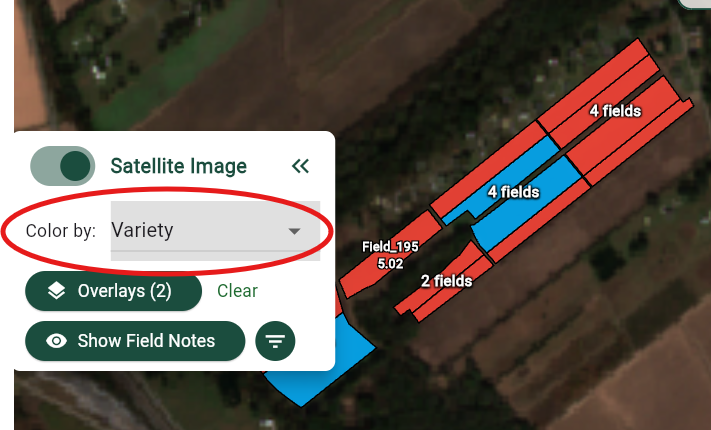
You may select any one of these by the dropdown to color your fields differently based on the information that you put in. In order to make these changes permanent when you next log in, click on 'Settings' at the top left under 'Field Filter', and select the default color by option to automatically apply that tag type color next time you come into the map.