
FarmMind Tutorials
Importing Shapefiles
FarmMind supports importing both shapefiles and geojson files. We have strived to make the import process as seamless as possible to ease the onboarding process. We should note that you must be a premium member to import shapefiles or geojson.
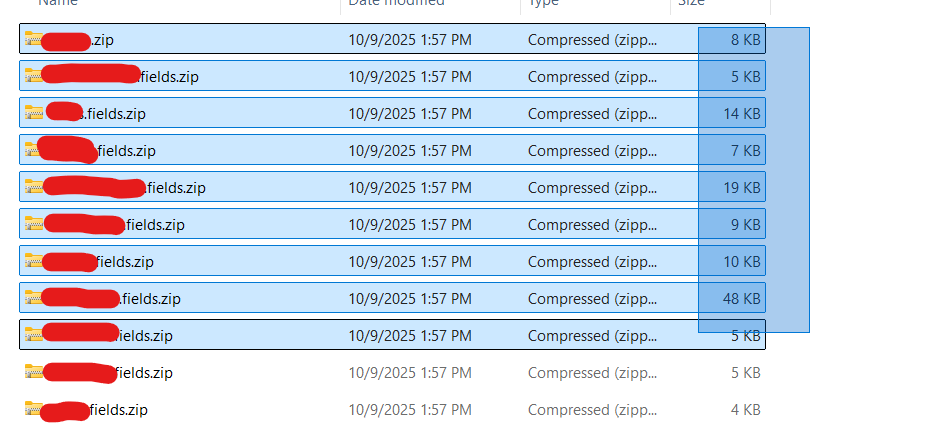
Depending on your file type, either click on import shapefiles or import geojson at the top right. Once you do that, a dialog will pop up which says browse files. Select any number of shapefiles at once and then press the import button. Please make sure that if you are uploading shapefiles in the form of a zip that the .shp file is directly accessible if you unzip, else the import process might not work correctly. This is usually how most systems do it when you export by grower or farm.
Field Properties
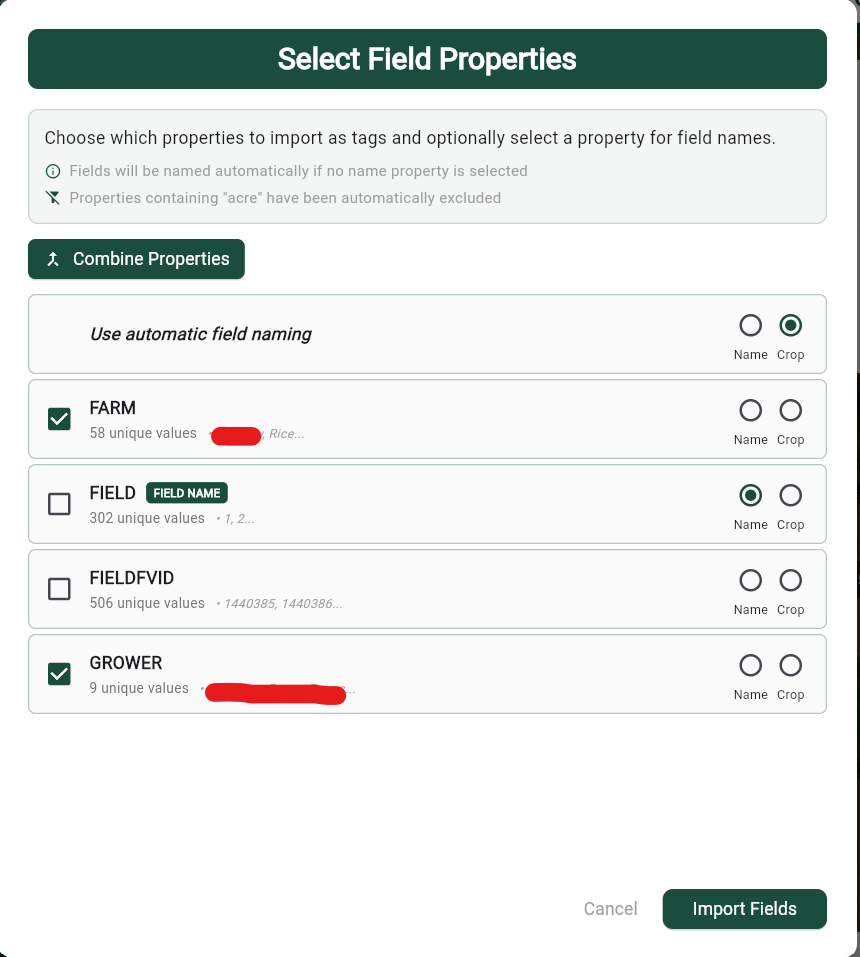
After the files have processed, you will see a 'Field Properties' dialog which will show all of the extracted field properties. This is where you choose which properties you would like to import into the FarmMind app. Here, you can also choose which properties represent the crop and the field name. EACH one of these properties will become its own tag type if they are selected on the left. We recommend that field-specific ids or things not shared by multiple fields not be imported (See how I unchecked FIELDFVID).
Field Overlap Resolution
Once you press import, our system will check for overlaps in your fields. This is for two reasons:
- Our system doesn't allow overlaps between fields
- Some fields might be duplicated for some reason
If you choose to resolve field overlaps, press the continue button. If you don't care about overlaps or just want to quickly import, press 'Skip Overlap Resolution' and our system will handle overlap resolution for you.
In the overlap resolver, you can keep intact one field or the other. If you keep one field completely intact, then the other field will be clipped such that the overlap is resolved. Once the overlap is resolved, you may move to the next field overlaps.