
FarmMind Tutorials
Templates
Field Note templates are an easy way to apply common notes and preferences to a field note, for an easy two-click process. Create once, use many times.
Accessing Templates
Press on the 'Templates' button at the middle left to access your templates.
Applying a Template
To apply a template to your current field note, simply click on the template you want to apply. All of its preset content will be automatically populated into your field note.
Creating a Template
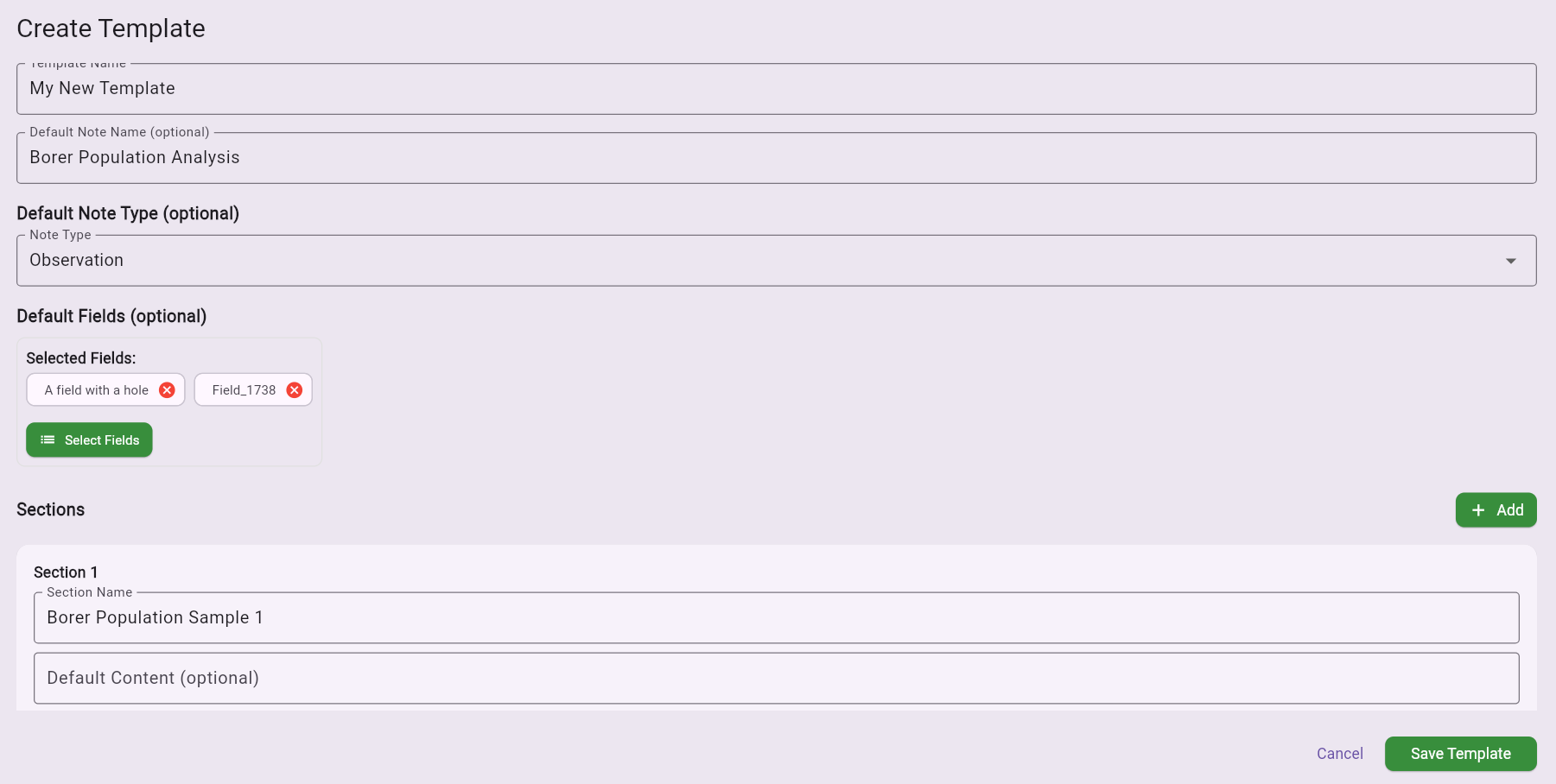
To create a new template, click on 'Create' in the templates menu. You can create as many templates as you'd like.
What You Can Preset
In the template creator, you can preset all of the information that a field note has to offer:
- Fields: Automatically apply certain fields
- Section Names: Pre-create section names with content
- Locations: Set default locations for sections
- Custom Content: Include any other information you use frequently
This allows you to standardize your field note creation process and ensure consistent documentation across your operation.